01
Save
Paste a URL, use the Chrome extension on any page, or use Quick Drop for instant capture without choosing a Shelf right away.
Web Content Library for Everything Online
What you can do
Why bookmarks fail
What you can save
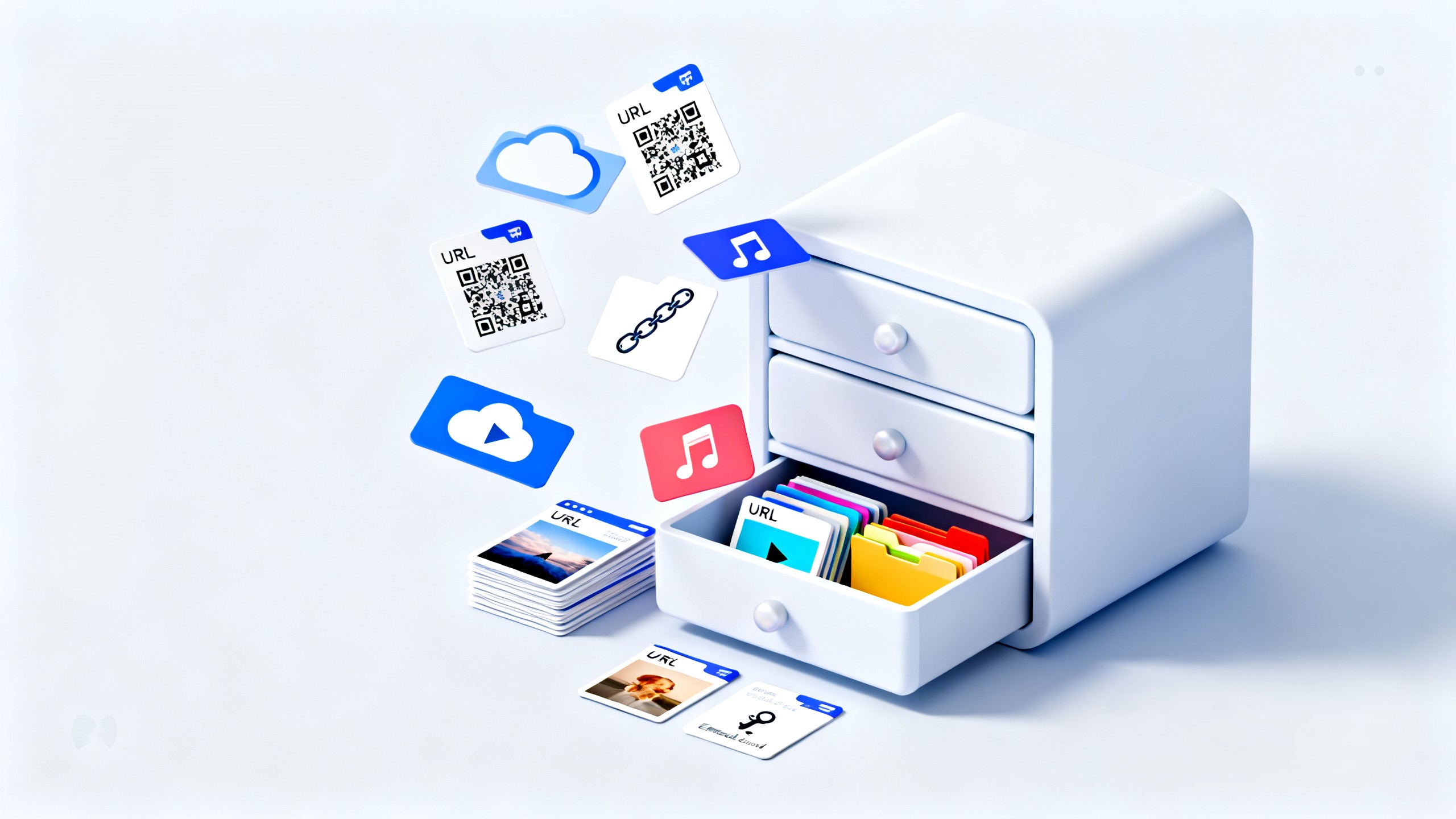
CloZett keeps the link. Videos, music, PDFs, and files are not uploaded into CloZett itself.
The CloZett structure
Drop URLs into a Drawer. Group Drawers into a Shelf. That's everything you need to get started.
You saved one URL.
Paste a URL or click the Chrome extension on any page. It lands in CloZett instantly.
A named folder for related URLs.
Create a Drawer called "Weekend Eats". Drop restaurant links, review videos, and map links into it.
A named collection of Drawers.
Create a Shelf called "Road Trip". Put your Food, Hotels, and Things to Do Drawers inside it.
Example
How CloZett works
That is the entire workflow. Everything else — sharing, publishing, selling — comes after.
01
Paste a URL, use the Chrome extension on any page, or use Quick Drop for instant capture without choosing a Shelf right away.
02
Open a Drawer and drop the URL in. Use Bulk Save to add multiple URLs at once. Rename and rearrange anytime.
03
Open the Drawer you created. The URL is there. No search needed. No reconstruction.
Who is CloZett for?
Keep articles, videos, products, posts, AI chats, and documents under the purpose you saved them for.
Share one Drawer or Shelf instead of sending URLs one by one.
Keep research, learning material, sources, and notes together.
Personal interests and private research can remain private.
Make selected collections public when appropriate.
Use a public Shelf or Drawer as maintained content elsewhere.
Offer eligible curation when it creates value.
Keep research, manuals, references, and support links together.
Use Cases
Food & plans
You found ten restaurants worth trying. Sending ten separate links in a chat is a mess.
How you use CloZett
Work & AI
AI tools, reference sites, prompt collections, design examples — open across 40 tabs. Browser is slow. You can't find anything.
How you use CloZett
Browse by category
AI
Before“That god-tier AI response? By next week it's lost in "Untitled Chat (42)".”
→ Make a "Best AI Replies" Drawer.
AI
Before“Every time, I'm starting from scratch like, "How did I write that prompt again...?"”
→ Make a "Prompts That Worked" Drawer.
Life
Before“Trip planning always ends up scattered across my browser, group chats, and random screenshots.”
→ Make a "Trip Plan" Drawer.
Life
Before“Online banking, credit cards, insurance, power bills... I'm searching for the login screen every single time.”
→ Make a "Life Admin" Drawer.
Research
Before“Comparing stuff to buy, and suddenly I have 20 tabs open. Close them, and I forget everything.”
→ Make a "Candidates / Reviews / Deals" Drawer.
Research
Before“Job listings on Site A, reviews on Site B, interview prep in my notes... my brain is lost.”
→ Make a "Jobs / Companies / Interviews" Drawer.
Chrome Extension · Beta
CloZett Saver is a free Chrome extension. Open any page, click the icon, and the URL goes straight into your CloZett. No copy-paste. No tab switching.
Install
Add to Chrome in seconds. Free.
Log in once
Sign in with Google. Done.
Save instantly
Click the icon. URL saved.
Tab Sweep Beta
Open extension → Tab Sweep tab → check tabs → save all at once.
More things you can do
Quick Drop
Drop a URL without choosing a Shelf. Lands in your inbox. Organize later.
Bulk Save
Paste multiple URLs at once. All saved in one go.
Share a Drawer
Make it public. One link — recipient sees all URLs inside.
Sell a Shelf
Lock it behind Paid Access. Earn from your curation (Standard+).
Check Ranking
See what URLs people worldwide are saving right now.
Ranking
Which URLs are people saving most — by category, region, and time period. Updated daily. Free to view.
🎵
Music
🎮
Gaming
🎬
Entertainment
🤖
AI
💻
Technology
⚽
Sports
🪙
Crypto & Web3
📰
News
🔬
Science
🏥
Health
Daily · Weekly · Monthly
Short-term spikes and long-term trends shown separately.
Global + Region filters
Americas, Europe, Asia Pacific, and more.
🔥 Hottest · 💰 Best Selling
Velocity-based rising URLs and top Paid Access collections.
Works everywhere
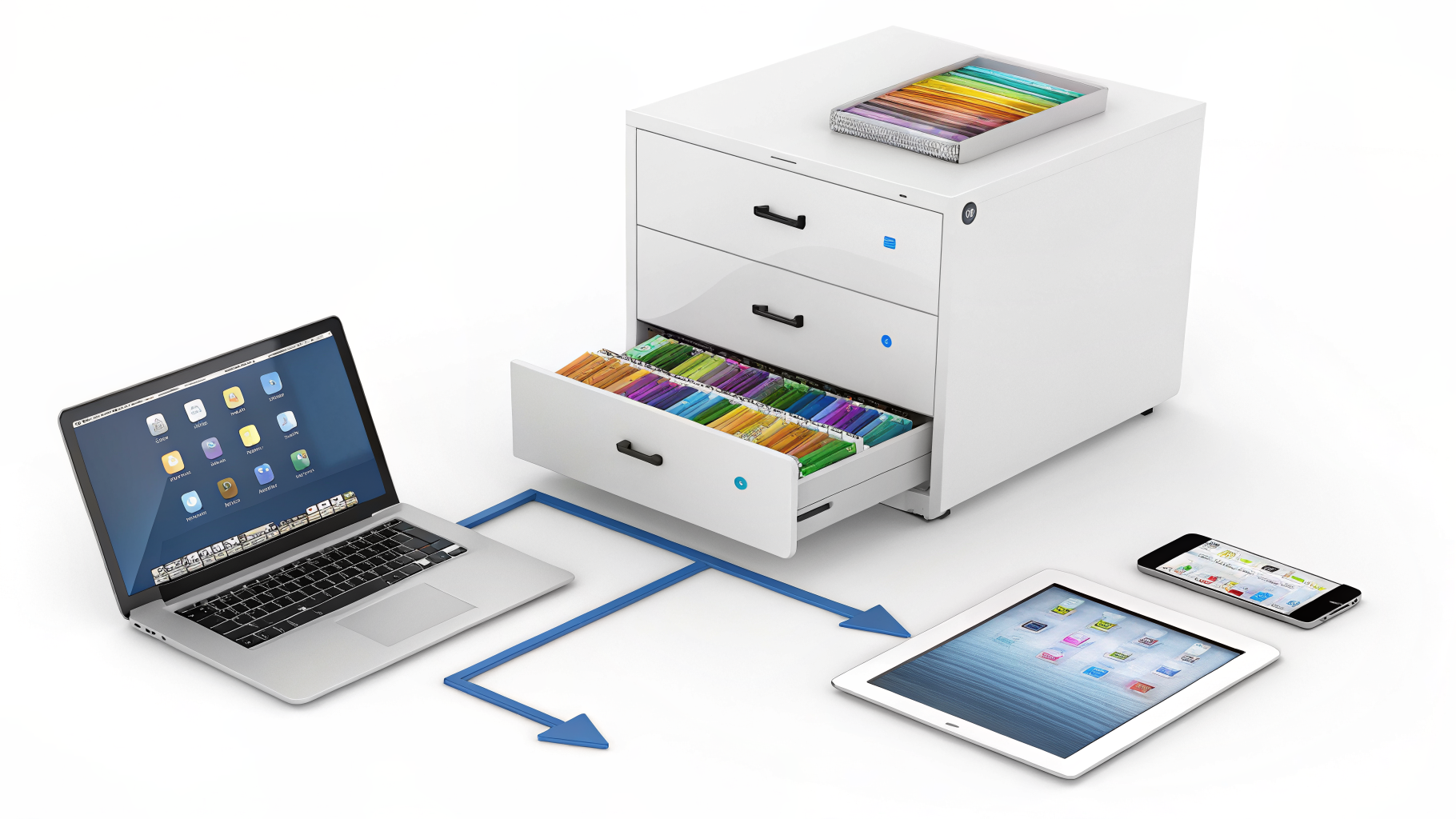
No more sending links to yourself. No more losing a tab you had open on another device. One account. Everything in sync.
💻 → 📱
Clip a page on your PC. Open the same Drawer on your phone during your commute.
📱 → 💻
Spot something on your phone. It's in your CloZett on your laptop when you sit down.
🔄
No export. No email-to-self. No copy-paste between screens.
AI Chat Vault
AI chat links get lost. Save the conversation URL with a note and related sources, then file it in a Drawer by topic.
How to save an AI chat
Saved AI conversation link
Conversation link · Note · Related source links
AI-requested saving, MCP connections, and auto-suggested destinations are future functions — not yet available.
Protect it. Put it to work.
Private is the default. Everything else — sharing, publishing, selling — is your choice, not a required step.

Access control
Distribution
Value
🔒
CloZett is technically designed so that even our own team cannot view what you have saved.
🚫
Your saved URLs and usage data are never sold to advertisers or anyone else.
🔐
Every connection to CloZett is encrypted. Your data in transit is always protected.
Sensitive content categories
Private saving, sharing, publishing, discovery, and advertising each follow different rules for these categories.
NSFW
Sexual / violent content
Gambling
Betting / wagering
Finance & Investing
Financial products
Politics
Political content
Religion
Religious content
Sensitive content
Broad category
Public collections follow additional rules because they reach people outside your account. Category, age, region, payment, and advertising rules are covered in Help, Safety, and Terms.
Embed
Drop one line of code into any compatible blog, company site, guide, or support page. The content updates automatically when you update the Drawer.
Your CloZett Drawer
Update here → the embed on your site updates automatically.
How it looks on your site
Embedded CloZett Drawer
Compatible with blogs, help centers, company sites, and more. No iframe required for supported platforms.
Paid Access
Lock a Shelf or Drawer behind a paywall. Value comes from selection, structure, and maintenance — not raw URLs.
What you can charge for
Revenue Summary Beta
Track earnings from your Paid Access collections in your account.
Before & after
Before purchase
Locked collection
After purchase
Public Shelf Economy
The signal is not clicks. It is useful saves.
Different collections create value in different ways. None of these paths is mandatory or sequential.
Create a useful Shelf.
Choose whether it becomes public.
Eligible public collections can be found in Ranking.
Others can save and reuse your curation.
Offer eligible collections for purchase.
Useful saving behavior informs discovery.
Marketplace, follow, review, recommendation, and expanded ranking functions are not yet available.
Need the exact steps?
The marketing page explains what CloZett is. The User Manual shows how to save URLs, organize Shelves and Drawers, share collections, manage access, and read account stats.
Pricing
Start free. Upgrade when your shelves grow. Downgrade anytime.
$0
$0.99/mo
$1.99/mo
$3.99/mo
Subject to fair use and temporary safeguards.
Friend Referral Program
Share your referral link. When friends stay on a paid plan, your effective plan upgrades automatically — no extra payment needed.
2
active paid friends
Your plan upgrades 1 level automatically.
5
active paid friends
Your plan upgrades 2 levels automatically.
10
active paid friends
Your plan reaches Pro — the maximum.
Only active paid referrals count. Rewards are internal plan upgrades only — no cash payouts.
Ambassador Program
Ambassadors help people organize the web — through public shelves, community education, and real-world use cases.
📢
Show real shelves and real workflows to communities that benefit from organized curation.
🎓
Teach others how to save, organize, share, and publish web content effectively.
🚀
Get early access to new CloZett features and help shape the platform.
Your first shelf could be
Create your first shelf. Add 5 links. Close the tabs.
Start your CloZett — it's free